Posted by adunk 6 hours ago
Certainly it doesn't feel any easier to manage multiple windows than when we had a quarter of the screen space.
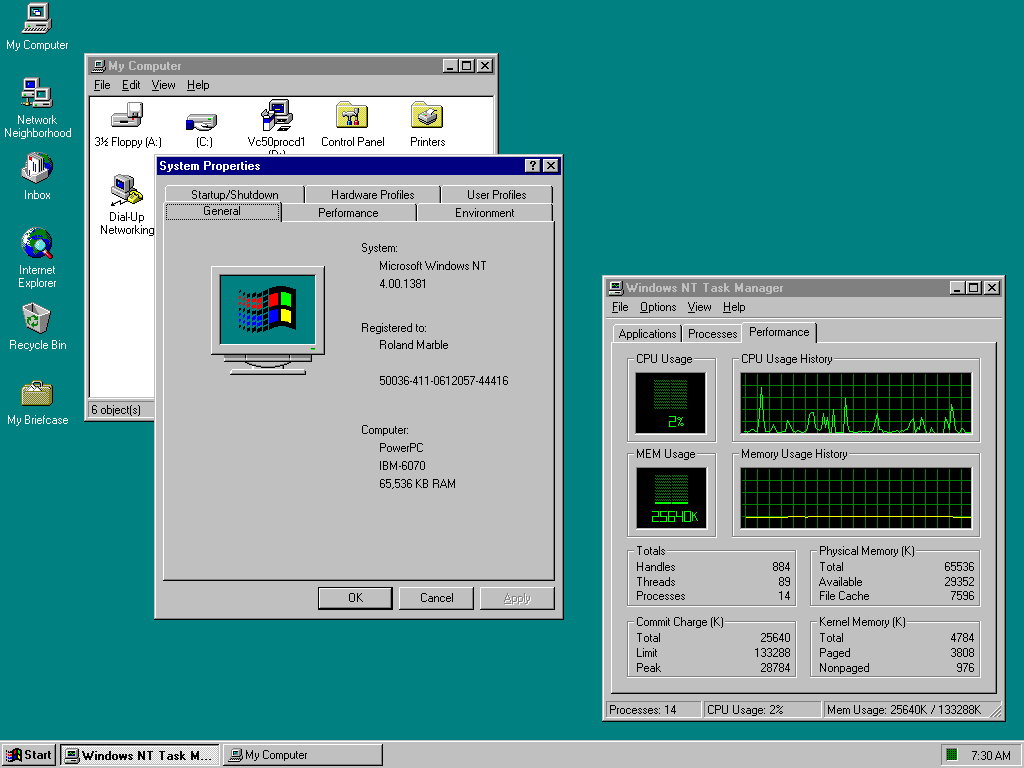
When I first saw Win95 with a cleared desktop, I immediately thought - where has everything gone? Why is this empty? Decades later I still think it's cumbersome to have to look and press at bottom left to see all the programs every time.
[1] proportions and locations can be set
Also, a "sweep" button that quickly clears the desktop into a "desktop archive." I do that manually anyway with my own "sweep" folders. Every few months I delete and categorize within the sweep folder. Keeping the desktop clean and organized is the new frontier, especially as screens become smaller and people don't want to lose flow.
Verbose response, but what are your thoughts? Maybe use voice recognition that uses lip-reading through a camera to launch or modify?
Mice and keyboards are just so passe, right, but I wouldn't go so far as getting a brain chip? Maybe a spherical "touchball" that senses the pressure of each finger to move a cursor? Trackballs are too laborsome. I have my mouse on maximum sensitivity and acceleration anyway.
> Maybe use voice recognition that uses lip-reading through a camera to launch or modify?
This feels like the result of a competition to design the worst possible user interface. To about 5% of people it might be an accessibility feature, to everyone else it's worse, and people with beards, marks, or dark skinned faces are going to find it a disaster.
True, it's not a good solution and there is Subvocal Recognition (SVR) that detects electrical signals in the neck or jaw using pads. Hall effect keyboards are pretty good in terms of sensitivity I find.
Lip reading by HAL was also a disaster for Frank Poole.
Maybe a large screen that can easily be flipped vertical/horizontal would work well. People already do it with the their smartphones - why not stationary screens? Have the OS detect when it happens so it can make any predetermined layout changes. Maybe have it rotate using a small motor? Cable connections into a base unit to avoid entanglement.
In terms of screens - I think two volume dials to adjust for brightness and another one for blue-light would be ideal. It should be super easy to do at a hardware level. On 24 hour programs if really pedantic. Maybe an external "volume dial" pad that can be plugged into a USB-C would be suffice and it could have a light and movement sensor as well to take a computer out of (and into) suspend and set the desired brightness according to the environment.
There are rechargeable closet lights that already have movement and light sensors - just need to adapt it to a screen.
Good news: all of this except the motorization is already available from Dell and others. Common office setup. I often see people with one screen in portrait format for reading documents.
However, that paradigm made computers daunting for anyone who wasn't an enthusiast. While I’m nostalgic for that level of transparency, I recognize that those hurdles stood in the way of mass adoption.
We might lament how 'dull' or 'abstracted' modern software feels, but technology's primary purpose is utility, not just to be venerated as an artifact.
THAT SAID, I still believe that user-friendliness isn't an excuse to strip away agency.
Modern simplification shouldn't feel like a forced lobotomy of the OS (or any piece of software really). There’s no reason we can't have both: an interface that stays out of the way for the average user, while providing total control for power users.
Whatever happened to progressive disclosure?
I also hope to see resurface binaries/sources of other server implementations, Sun Symbolic Programming Environment (which includes code originally developed at Schlumberger, including LispScript), the sources of the PdB compiler, CMU Andrew wm (although is not directly related, is the ancestor of this window system, from the same authors), and whatever is related to this system.
It would be interesting a revival like Interlisp.
Historical workstation desktop interface screenshots - https://news.ycombinator.com/item?id=36191713 - June 2023 (55 comments)
Retrotechnology – PC desktop screenshots from 1983-2005 - https://news.ycombinator.com/item?id=15968745 - Dec 2017 (58 comments)
A recent favorite of mine is this one. Timestamp starts at the final submission being reviewed: https://youtu.be/DxEKF0cuEzc?si=mqE_2vpKDBsMWlKW&t=557
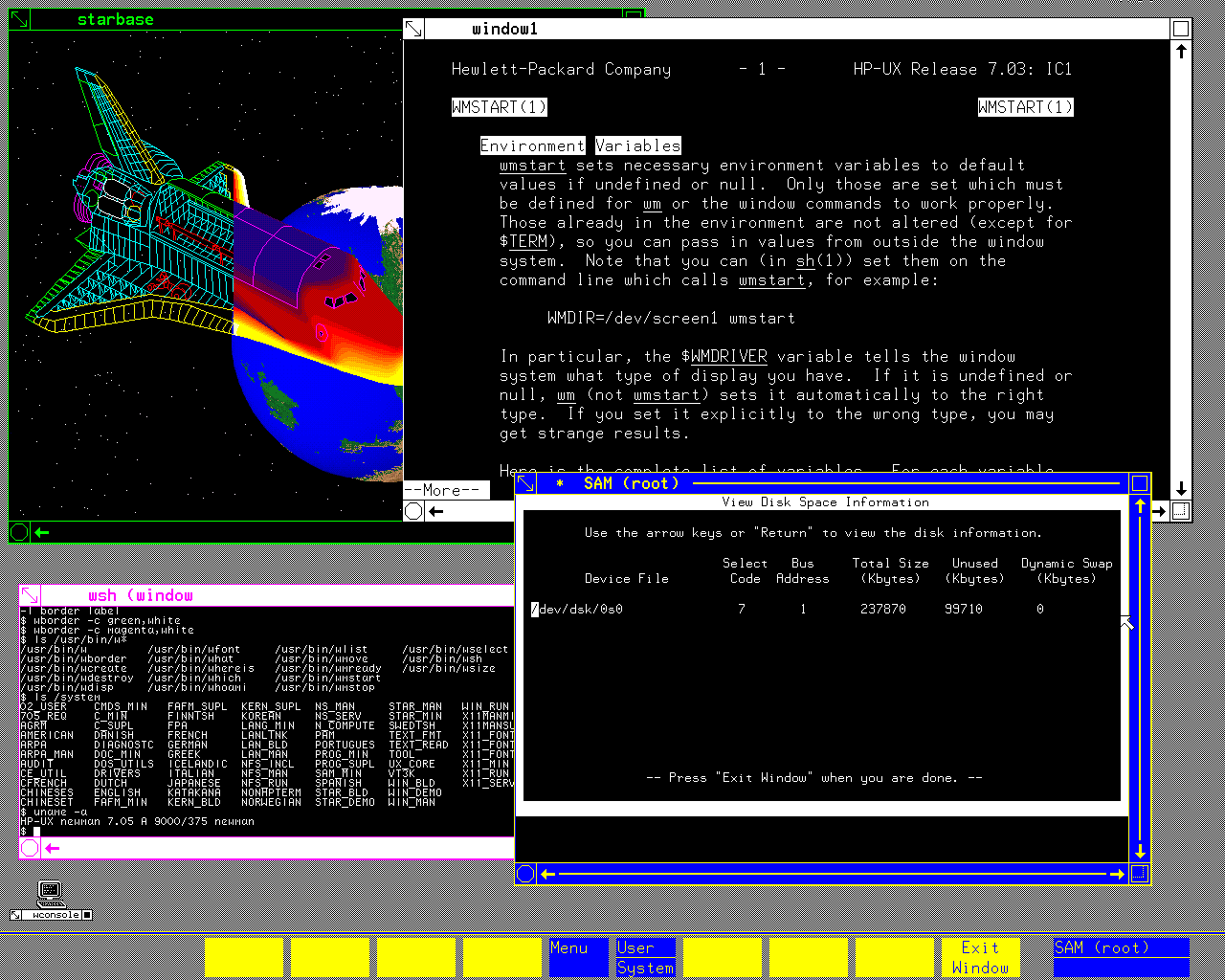
There is a `man` entry displayed in a terminal window there. The first Unix I've ever touched was HP-UX on an HP-9000 (server series, not the workstation one), and I have this memory that the underlined words you can see in that manpage as well were actually hyperlinks you can select and would bring you to the relevant section of the manpage that discussed that term. Am I fabricating that memory or is it real? I cannot find any info about it on the Internet.
Any unclean pointer fiddling in C, and the process was terminated by the OS, so the machine was wonderful to use as a development box (especially with Purify installed) for software that would later be run on Windows or Linux.
I eventually bought my own refurbished (and using academic discount) 715 (instead of a car), so I had the fastest machine in our student dorm of anyone I knew, undergrad, grad student or professor. I could just write my Master's thesis when everyone else kept re-installing Windows - the HP never crashed in 6.5 years, which has left me with deep respect for the old-schol (pre-Compaq) HP engineers. The machine (21" color CRT) occupied half of my 9 square metre dorm room, but it also kept me warm.